Displayer

Appspace alternative for digital signage when you only need the screens

The usual Appspace alternative is a signage platform that prices the screen and leaves out the intranet, room booking and visitor modules you were never going to use. Appspace does not publish a price per device. Its Express bundle (25 premium users and 25 device IDs) is reported at about 600 USD a month, roughly 7,200 USD a year, and Enterprise starts at 50 users and 50 devices on a quote. Displayer Professional costs 4,200 USD a year for 25 screens at 14 USD yearly, with unlimited team members, approvals and proof of play with timestamped screenshots, on the smart TVs and players you already own.

Build one of your lobby screens before the next quote call

Type your company name and three notices, and the builder renders a working screen in your browser with the weekly schedule behind it. No account, no sales call and no device license to request, so you see the result on a real display before anyone sends a quote.

Venue

Orientation

Layout

Put this on a screen
Weekly schedule
  • Venue: restaurant, retail store, clinic, gym, office, school, plant floor, church, senior living or real estate office
  • Orientation: landscape 16:9 or portrait 9:16
  • Layout: full bleed, main plus sidebar, or a menu board in three columns
  • Content: your business name and three short lines, prefilled for the venue you picked

The schedule strip underneath shows the same playlist placed on a weekly grid, which is exactly what the schedule view does inside the product.

Why teams look for an Appspace alternative

Appspace is a capable workplace platform, and most buyers who leave it are not unhappy with the product. They leave because the project turned out to be smaller than the bundle.

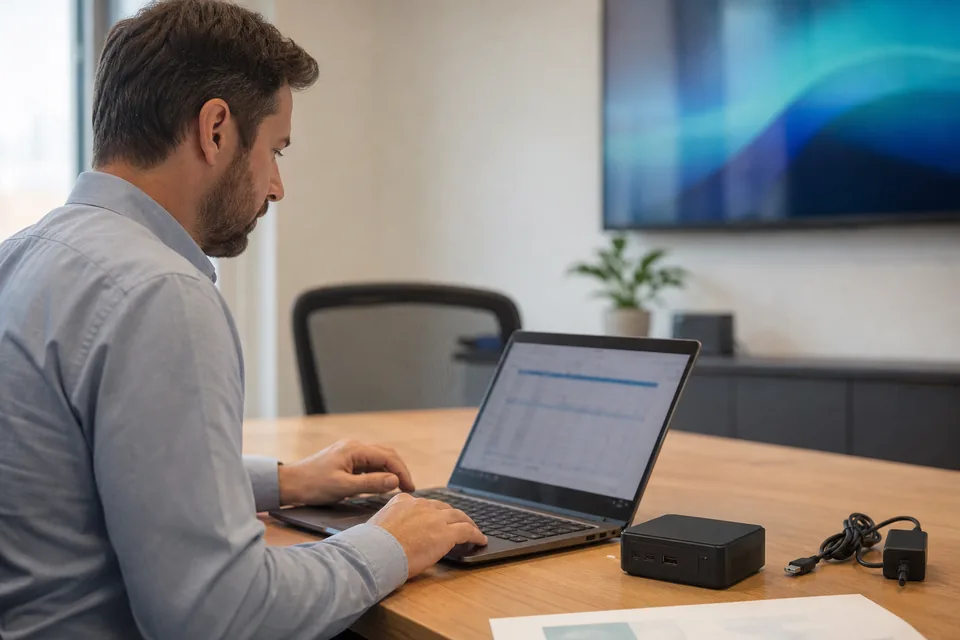
IT manager comparing a digital signage quote against a row of office lobby displays

The first trigger is price you cannot see. Appspace's pricing page lists what Free, Express and Enterprise contain and no dollar amounts. A pricing tracker recorded the listed starting prices being removed in April 2026, so budgeting for 20 or 40 screens means a quote cycle first, and a reported Express figure of about 24 USD per device a month at 25 devices is the best public anchor.

The second is paying for people. Express and Enterprise count premium users as well as devices. If ten people publish to the screens and the rest only read them, you still buy the plan for the bundle, including the intranet and booking tools.

The third is the extras. Storage costs 0.10 USD per GB a month and bandwidth 0.15 USD per GB above the allowance, support tiers above base are priced on request, and every screen still needs a supported player or display bought separately.

Appspace alternatives compared

US list prices per screen per month, read from each vendor's pricing page in October 2026 where one is published. Yearly rates unless stated.

Appspace Yodeck TelemetryTV ScreenCloud Displayer
Published price per screen None, contact sales 8, 12 and 16 USD Entry 8, Core 13, Elite 16 USD Starts at 20 USD, Pro 30 USD Essential 9, Professional 14, Network 24 USD yearly
Reported cost for 25 screens About 7,200 USD a year (Express bundle) 3,600 USD a year on Premium 4,800 USD a year on Elite 9,000 USD a year on Pro 4,200 USD a year on Professional
Pricing model Premium users plus device IDs, bundled Per screen Per device, Elite has a 10 device minimum Per screen Per active screen, unlimited team members
Intranet, room booking, visitors Yes, separate products No No No No
Proof of play Reporting in the platform Playback Reports on Premium Reporting on higher tiers Reporting on higher tiers Play record plus timestamped screenshots on Professional
Single sign-on Enterprise Enterprise, 16 USD Higher tiers Higher tiers Network, 24 USD yearly or 49 monthly
Minimum 25 devices on Express, 50 on Enterprise None published 10 devices on Elite None published Three screens
Best for One vendor for intranet, signage, booking and visitors Lowest price for playback reports Dashboard and office screens run by IT Larger signage estates with a bigger budget Mixed existing screens and proof of what played

Reading that table honestly

Appspace wins when signage is one part of a larger workplace deal. If internal comms wants an intranet, facilities wants room and desk booking, reception wants visitor check-in and security wants one vendor inside Microsoft 365 and Teams, the bundle can cost less than four tools, and Displayer has none of those modules.

It loses on a project that is only screens. At 25 screens the reported Express bundle is about 7,200 USD a year against 4,200 USD for Displayer Professional, and the Enterprise estimate of about 2,000 to 2,500 USD a month is several times that. Yodeck Premium is the cheapest line in the table at 3,600 USD for the same 25 screens.

What an Appspace replacement costs at 25 screens

Software per year at each vendor's yearly rate. Players are shown separately.

Appspace Express

25 devices and 25 premium users is reported at about 600 USD a month, so 7,200 USD a year, before storage, bandwidth and support above the base tier. Details and sources are in the Appspace pricing guide.

Yodeck Premium

25 screens at 12 USD is 300 USD a month and 3,600 USD a year with playback reports. See the Yodeck pricing guide.

TelemetryTV Elite

25 screens at 16 USD is 400 USD a month and 4,800 USD a year, annual terms only, with a 10 device minimum. The TelemetryTV pricing guide lists every tier.

Displayer Professional

25 screens at 14 USD yearly is 350 USD a month and 4,200 USD a year, with unlimited team members, roles and approvals, groups by location and proof of play with timestamped screenshots. Month to month it is 29 USD a screen. If IT requires SSO and an audit log, Network is 24 USD yearly, 7,200 USD a year for 25 screens, which matches the reported Express bundle with SAML, an SLA and the API. A recent smart TV needs no box, and an older display needs a 30 to 100 USD Android, Chrome or Windows device. Every plan is on the pricing page.

How to move from Appspace to a signage platform without a dark lobby

1. Find the renewal date and the notice period. Appspace plans are billed monthly or annually by card or invoice. Note the date and set a reminder eight weeks ahead.

2. Separate the signage from the rest. List which Appspace channels are screens, which are intranet pages and which are booking or visitor displays. Only the screen content moves to a signage tool.

3. Export your media. Download the images and videos you uploaded. Channels built inside the editor are rebuilt from their source files, and Microsoft 365 or SharePoint feeds are the part to plan first.

4. Check the players. Displayer plays in the browser of a recent smart TV or on any Chrome, Android or Windows device. Keep the Appspace devices running until the last screen moves. Our digital signage player page lists what works.

5. Move people with the screens. Invite the publishers as team members, give each the screens for their floor or site, and turn on approvals so internal comms signs off before anything goes live.

6. Run one floor in parallel. Pair one screen a few weeks before the term ends, run the real loop for a week, then move the rest.

What proof of play looks like on Displayer

On Professional and above, Displayer keeps the play record for every screen and stores periodic, timestamped screenshots of what the screen rendered. Facilities can show that the safety notice was up all week in every building, and a property manager can show a tenant the lobby ran their message. The details are on the proof of play page.

Which Appspace alternative to pick

Choose Yodeck when

You want the lowest price per screen for playback reports and a player shipped with the annual plan.

Choose TelemetryTV when

IT runs dashboards on office screens and can commit to an annual term with at least 10 devices.

Choose Displayer when

The project is lobby, floor and cafeteria screens on displays you already own, several people publish, and you need proof of what each screen showed. Professional is 14 USD a screen yearly or 29 monthly, with three screens to start. See how it fits office digital signage.

Stay on Appspace when

You use the intranet, room booking or visitor modules, everything has to sit inside Microsoft 365 and Teams under one security review, and you buy through a procurement team that expects a bundle.

What is the best alternative to Appspace?

For a project that is only screens, a per screen signage platform. Displayer Professional costs 4,200 USD a year for 25 screens with proof of play. Yodeck Premium is 3,600 USD and TelemetryTV Elite 4,800 USD, against about 7,200 USD for the reported Appspace Express bundle.

Who are Appspace's competitors?

For the workplace bundle, Poppulo, Workvivo and Microsoft 365 based intranets. For signage alone, Yodeck, TelemetryTV, ScreenCloud, OptiSigns, NoviSign and Displayer appear on most shortlists, depending on whether you need dashboards, approvals or proof of play.

How much does Appspace cost?

Appspace does not publish prices. Free covers one device and two premium users. Express with 25 users and 25 devices is reported at about 600 USD a month, and Enterprise starts at 50 users and 50 devices on a quote. Storage and bandwidth overage are billed on top.

Is there a cheaper alternative to Appspace for digital signage?

Yes, for screens only. A platform priced per screen costs 3,600 to 4,800 USD a year for 25 screens at the tier with playback reports. It does not replace the intranet, booking or visitor modules, so it is cheaper only when you were not using them.

Can I use my Appspace screens with another platform?

Usually yes. Appspace runs on common displays and players, and Displayer plays in a browser on smart TVs, Android, Chrome and Windows devices. Check the model of each player, keep Appspace running on it until the last screen moves, then re-pair it.

Does Displayer integrate with Microsoft 365 and Teams?

No. Displayer does not connect to SharePoint or Teams the way Appspace does. Content comes from uploads, web pages and dashboards that open in a browser. If a Microsoft 365 feed is the heart of your screens, test it in the builder first or stay on Appspace.

How long does it take to switch from Appspace?

About a day per floor for images, video and web pages, longer for channels fed by Microsoft 365. Pair one screen, run your loop for a week, then move the rest, starting eight weeks before the term ends.

Price your screens before the Appspace renewal

Pair three screens you already own, run your real lobby and floor content for a week, and put the yearly total next to the Express or Enterprise quote.